3D Easter Bunny Paper Cut Shadow Box: A Layered Springtime Design
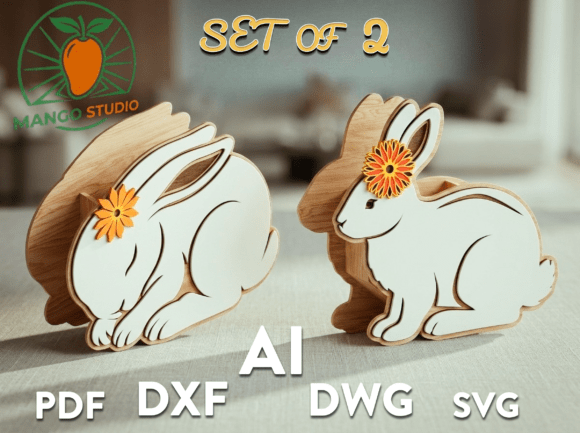
Easter Day is a celebration of joy, hope, and new beginnings. For many, the holiday marks the arrival of spring, bringing with it a desire to refresh spaces with colors that mimic blooming flowers and warm sunshine. In this design, I have tried to capture that specific freshness of spring while honoring the traditional symbols of Easter. The result is a 3D Easter Bunny Paper Cut Shadow Box template that offers depth, texture, and a handmade feel without requiring you to spend hours sketching or cutting from scratch.
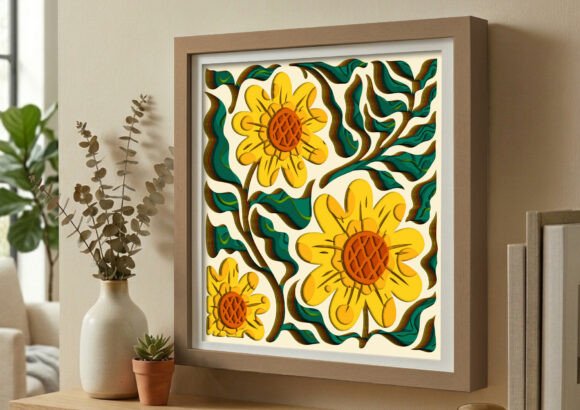
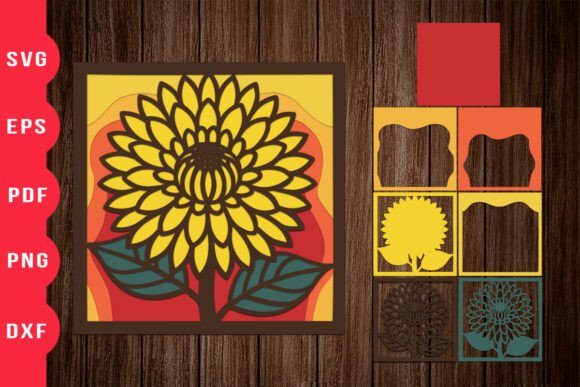
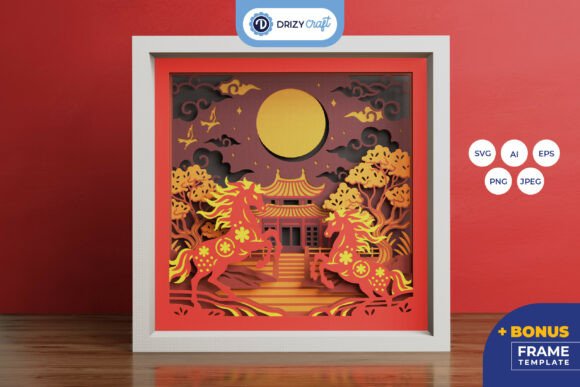
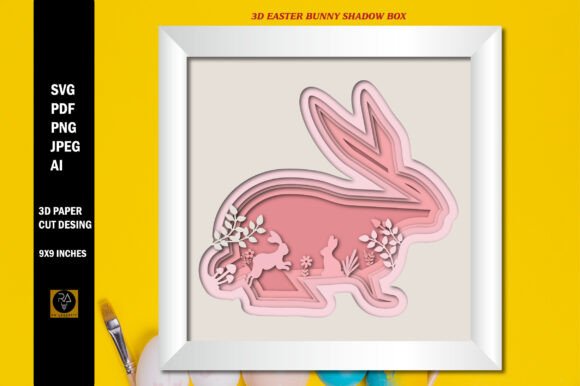
This design is perfect for those looking for something unique for their crafting projects, gift cards, or digital marketing assets. Unlike flat illustrations, a shadow box design relies on layering to create an illusion of three-dimensional space. By stacking different elements—such as the bunny, eggs, grass, and floral accents—you build a scene that invites the viewer to look closer. With 6 distinct layers in this template, there is enough complexity to make a statement but not so much that it becomes overwhelming to assemble or use digitally.
Understanding the Layers and Dimensions
The magic of a shadow box lies in its dimensionality. This specific template is designed with precise measurements to ensure compatibility with standard crafting equipment. The overall dimension is set at a height of 9 inches and a width of 9 inches. This square format is incredibly versatile; it fits perfectly into standard 12x12 scrapbooking layouts, works well for framing, and scales down beautifully for smaller applications like greeting cards or social media posts.
It is important to understand what you are working with before you begin. These are only digital files. No physical item will be shipped. When you purchase or download this resource, you are acquiring a toolkit of vector and raster files that serve as the blueprint for your creativity. The original images are provided without watermarks, ensuring that your final product looks professional and polished. You will receive the set in five file formats: SVG, AI, PNG, PDF, and JPEG. Each format serves a different purpose depending on your workflow and the tools you use.
Practical Applications for Crafters and Hobbyists
For the hobbyist crafter, the 3D Easter Bunny Paper Cut Shadow Box opens up a world of possibilities using machines like Cricut or Silhouette. The SVG vector files are particularly valuable here because they offer unlimited resizing with no quality loss. Whether you want to cut the design out of cardstock, vellum, or even felt, the lines remain crisp and clean.
Imagine a scenario where you are hosting an Easter brunch and want to create a custom centerpiece. Instead of buying a generic decoration, you can print the 300ppi PNG files onto high-quality photo paper or cut them from colored paper. By gluing the six layers together with foam tape or spacers, you create a tangible, pop-up art piece that sits proudly on your dining table. The depth created by the layers catches the light differently throughout the day, adding a dynamic element to your home decor that flat prints simply cannot achieve.
Furthermore, this template is ideal for scrapbookers who want to document family traditions. A page dedicated to Easter memories often needs a focal point. Using the 9x9 inch layout, you can mount the shadow box design in the center of a double-page spread, surrounding it with photos of children hunting for eggs or baking cookies. The layered effect draws the eye immediately to the center, organizing the visual flow of the page effectively.
Commercial Uses for Small Business Owners and Entrepreneurs
Small business owners and entrepreneurs often struggle to find affordable, high-quality graphics that stand out in a crowded market. This is where the versatility of the included file formats becomes a significant asset. If you run a boutique stationery shop, the 3D Easter Bunny Paper Cut Shadow Box can be adapted into premium greeting cards. The ability to resize the SVG files means you can test different compositions to see which layout sells best without needing to commission new artwork every season.
Freelance designers and marketers can also leverage these assets for client work. Perhaps a local bakery needs a seasonal flyer or a social media campaign. The high-resolution 300ppi PNG files ensure that when printed on large banners or promotional materials, the image remains sharp and detailed. There is no pixelation or blurriness, which is crucial for maintaining brand reputation. The inclusion of AI and PDF files allows for easy integration into professional design software like Adobe Illustrator or InDesign, streamlining the production process.
Consider a scenario where an online seller wants to launch a limited-edition Easter collection. They can use the JPEG versions for quick mockups to showcase how the design looks on mugs, tote bags, or t-shirts. Because the design captures the essence of spring and tradition, it resonates emotionally with customers looking for authentic holiday gifts. The layered aesthetic suggests effort and care, qualities that consumers are willing to pay a premium for during the holiday season.
Educational and Community Projects
Educators and community leaders can also benefit from this resource. In classrooms, especially for elementary age groups, understanding the concept of layers and depth is a valuable lesson in art and geometry. Teachers can project the design or print it for students to color and assemble. It transforms a simple coloring activity into a hands-on engineering challenge as students figure out how to stack the pieces to create the 3D effect.
Community centers often organize craft nights to bring people together. Having a ready-made template removes the barrier of entry for participants who may lack advanced drawing skills. Everyone can focus on the creative aspects—choosing colors, textures, and assembly techniques—rather than worrying about the initial design. This fosters a sense of accomplishment and community spirit, aligning perfectly with the themes of hope and renewal associated with Easter.
What to Consider Before You Download
Before applying, choosing, or downloading the 3D Easter Bunny Paper Cut Shadow Box, it is wise to consider your specific needs and technical capabilities. While the SVG files offer great flexibility, you must have the appropriate software or hardware to utilize them. If you do not own a cutting machine, the SVG might be less useful to you than the PNG or JPEG files, which are ready for immediate printing or digital manipulation.
Also, think about your intended output size. Although the files allow for unlimited resizing, extremely small reductions might lose some of the intricate details of the six layers. Conversely, if you plan to print this as a large wall art piece, ensure you are using the highest resolution PNGs or the vector SVGs to maintain clarity. Understanding the difference between vector and raster formats will help you select the right file for the job, ensuring your final outcome meets your expectations.
Finally, remember that this is a digital product. Once downloaded, you have the freedom to experiment, modify, and recreate the design as many times as you like within the bounds of the license. Whether you are a seasoned professional looking to expand your portfolio or a parent wanting to create a memorable keepsake for your children, this template provides the foundation for a beautiful, layered celebration of spring. By combining the traditional charm of the Easter Bunny with modern digital convenience, you can create something truly special that honors the joy and new beginnings of the season.